
See Every Pool Shot Before You Shoot

Billiard Shot Studio is an interactive pool shot simulator for iPhone and iPad. Adjust aim, speed, and tip position in real time, master cue ball control, and build the skills that matter most.

Realistic Physics
Shot simulation engine validated for authentic ball movement.
Pro-Level Tools
Master cue ball control, angles, and strategy planning.

Pool Practice Tools That Improve Your Game

Everything you need to visualize, plan, and execute winning shots with confidence.

Shot Simulator

Master the intricacies of pool with the simulator. Learn how to:

  • Aim shots with precision
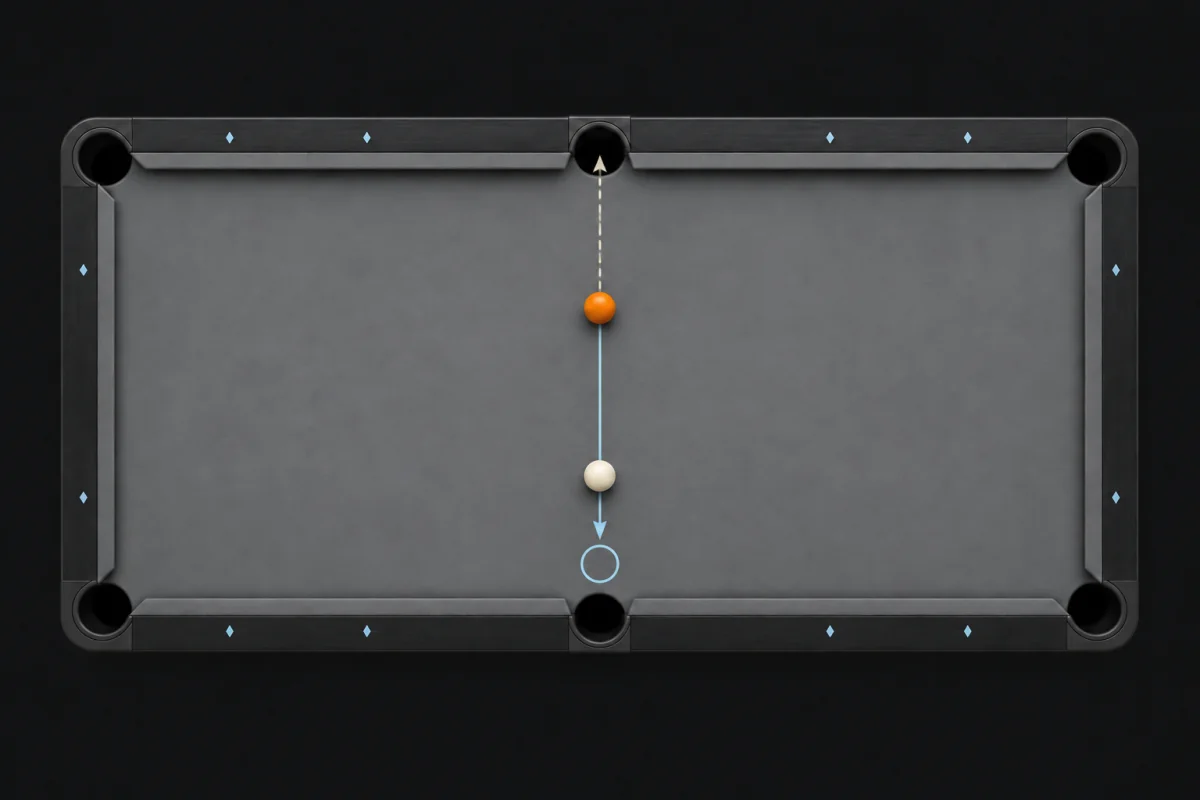
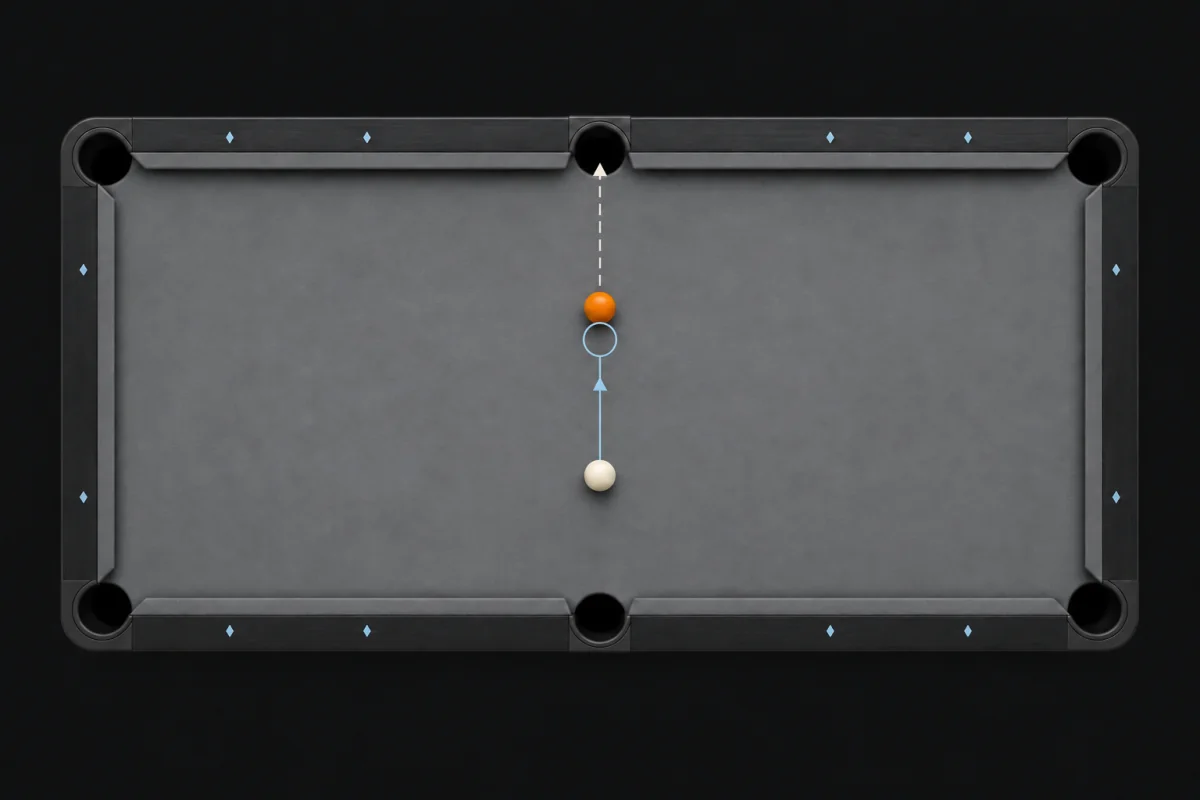
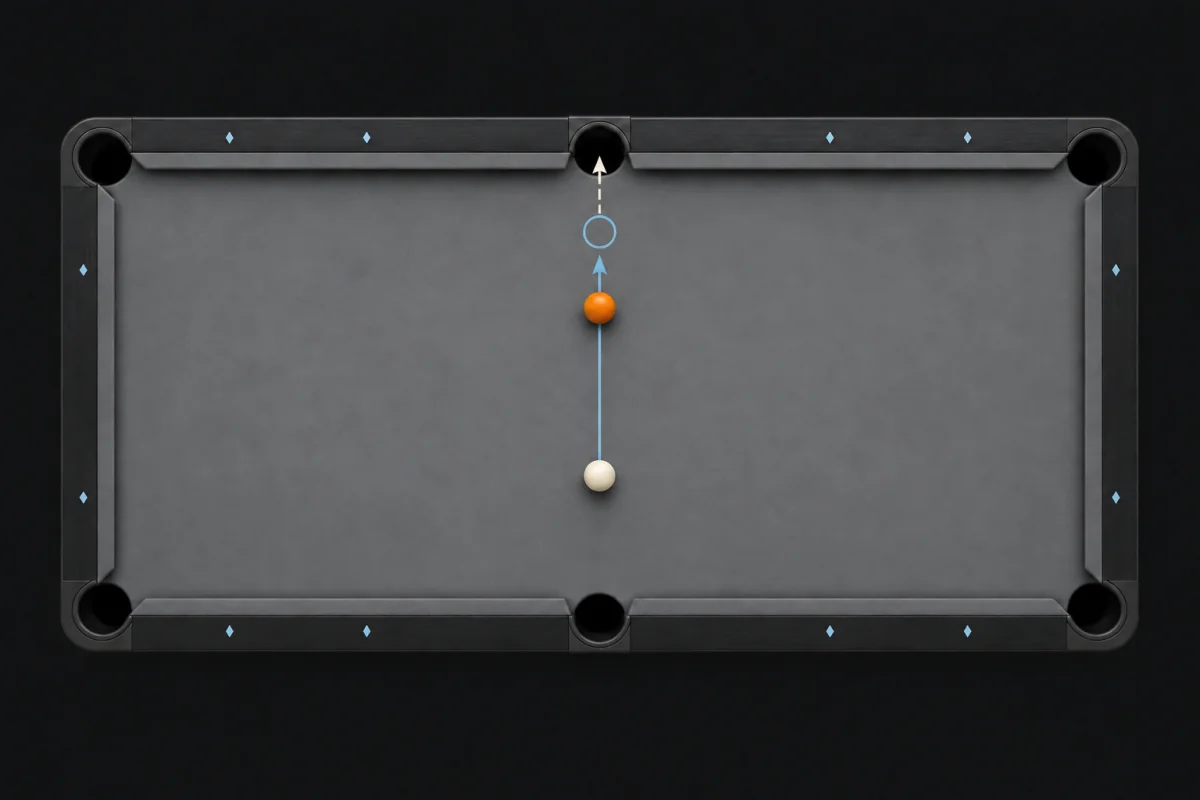
  • Control cue ball positioning with speed adjustments
  • Understand the impact of tip position on aim and cue ball behavior
  • Analyze how different ball positions affect shot angles
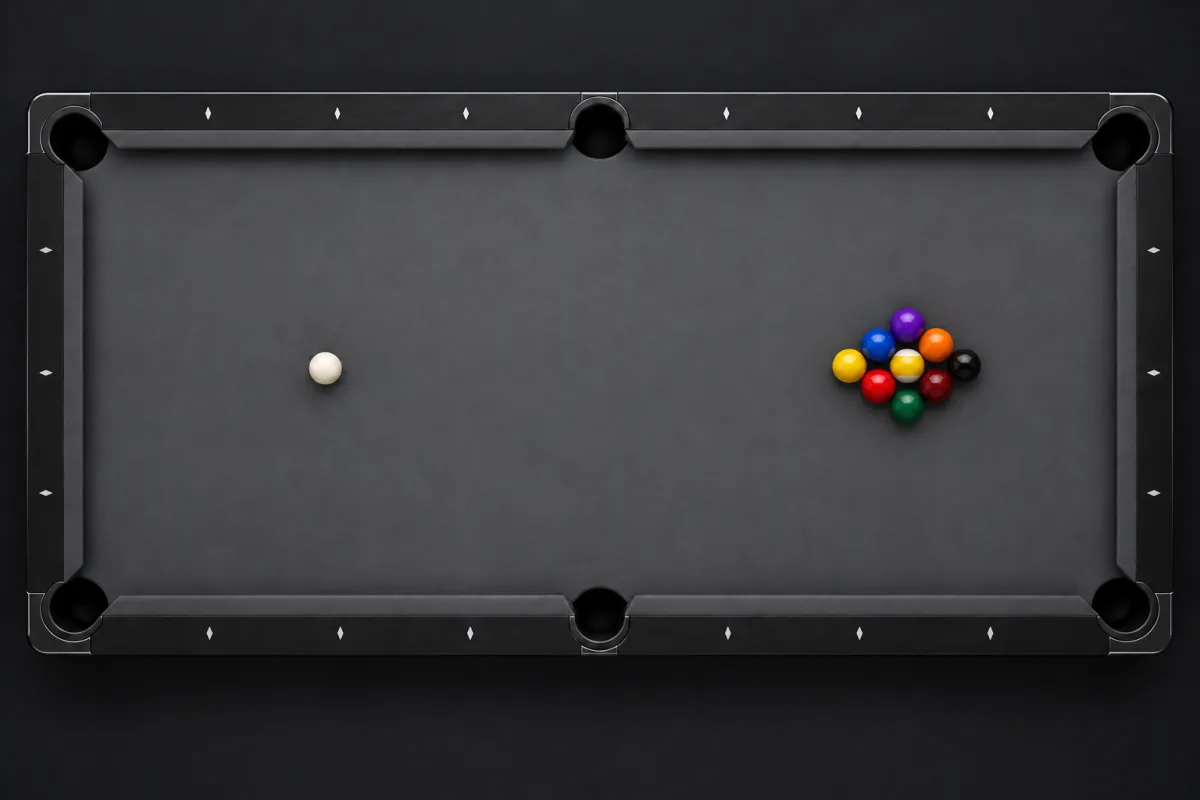
  • Generate random 8-ball, 9-ball, and 10-ball layouts
  • Animate and play shots step by step
  • Continue with the next shot at the end of an animation

Designer Toolkit

Dial in every detail before you take the shot with advanced controls:

  • Add multiple balls including solids, stripes, and an 8-ball
  • Flip shots to see them from different perspectives
  • Undo and redo actions effortlessly
  • Visualize the "shape zone" where it's possible to make a ball into a pocket
  • Export shots as images to share with others

Shot Library

Keep your shots neatly organized and easily accessible:

  • Add shots to personalized collections
  • Favorite, rename, duplicate, and delete shots
  • Add personalized notes to each shot for easy reference and improvement tracking
  • Manage your collections—create, rename, and delete as needed
  • View and sort all shots to find what you need quickly

Find a Shot

Discover the perfect shot to pocket a ball and position the cue ball:

  • Place a target anywhere on the table
  • Let the app calculate the best shot to land the cue ball on the target

Target Game

Put your skills to the test with the Target Game:

  • Each game generates a random shot
  • Aim to pocket the ball before time runs out
  • Control speed and tip position to land the cue ball on the target

Advanced Controls

Fine-tune every simulation detail to match the way you play in real life.

  • Enable tangent line visualization
  • Hide the ball paths
  • Hide the table grid
  • Adjust speed vs precision for Find a Shot
  • Change the max cut angle for the shape zone

A Realistic Pool Physics Engine

Our shot simulation engine has been rigorously tested and validated to mirror real-world table physics. Every ball movement, rebound, and cue interaction feels true to life, giving you confidence when it matters most.

  • Accurate ball movement and collision modeling
  • Generate random shots for fresh challenges and skill drills

The Pool Table Simulator in Action

Preview the clean, intuitive interface designed for both quick setups and in-depth analysis.

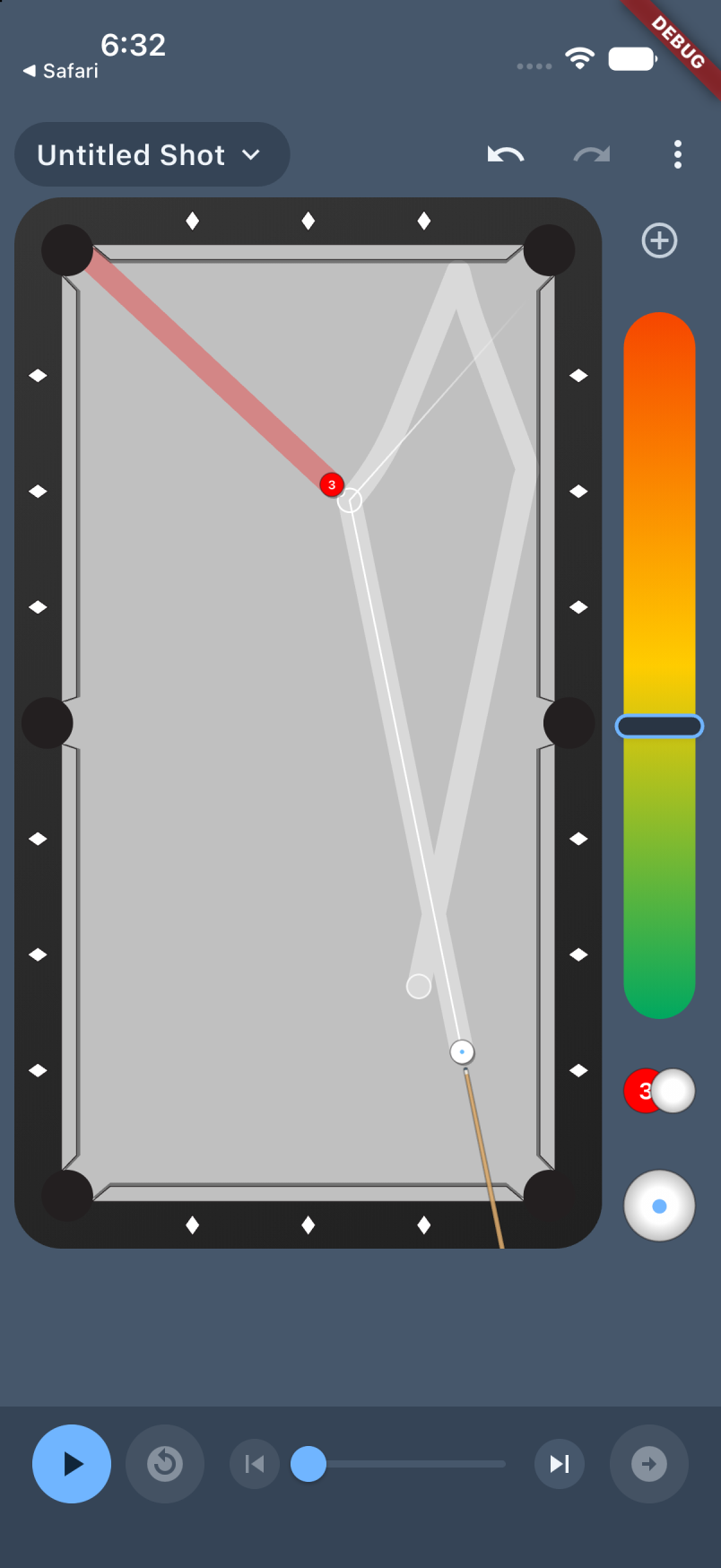
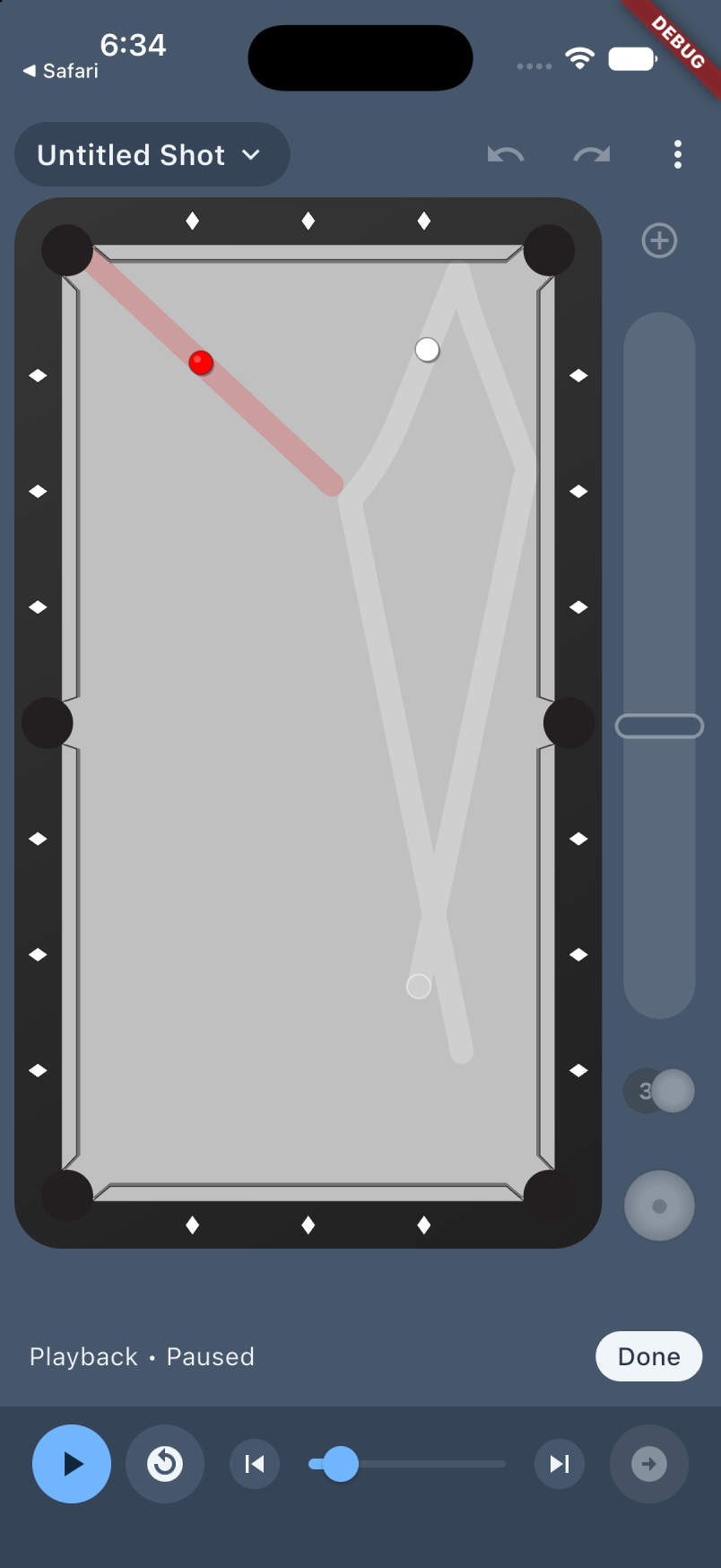
Pool table simulator showing colored ball paths for a random layout, with the Actions menu open: Random Shot, Random Layout, Find Shot, and Play Game
Saved shot menu with options to save, favorite, edit notes, rename, move, and flip a pool shot vertically or horizontally
Shot Library showing an 8 Ball collection with saved shots, favorites, notes, and search
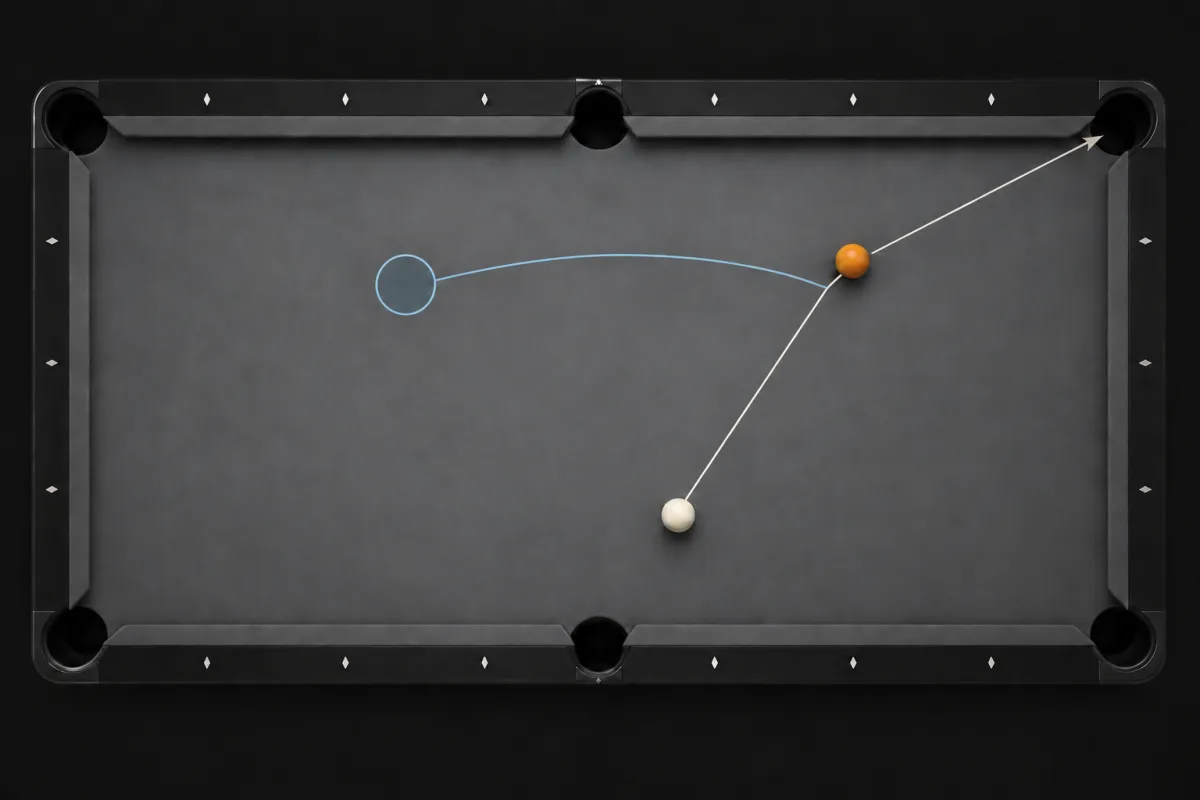
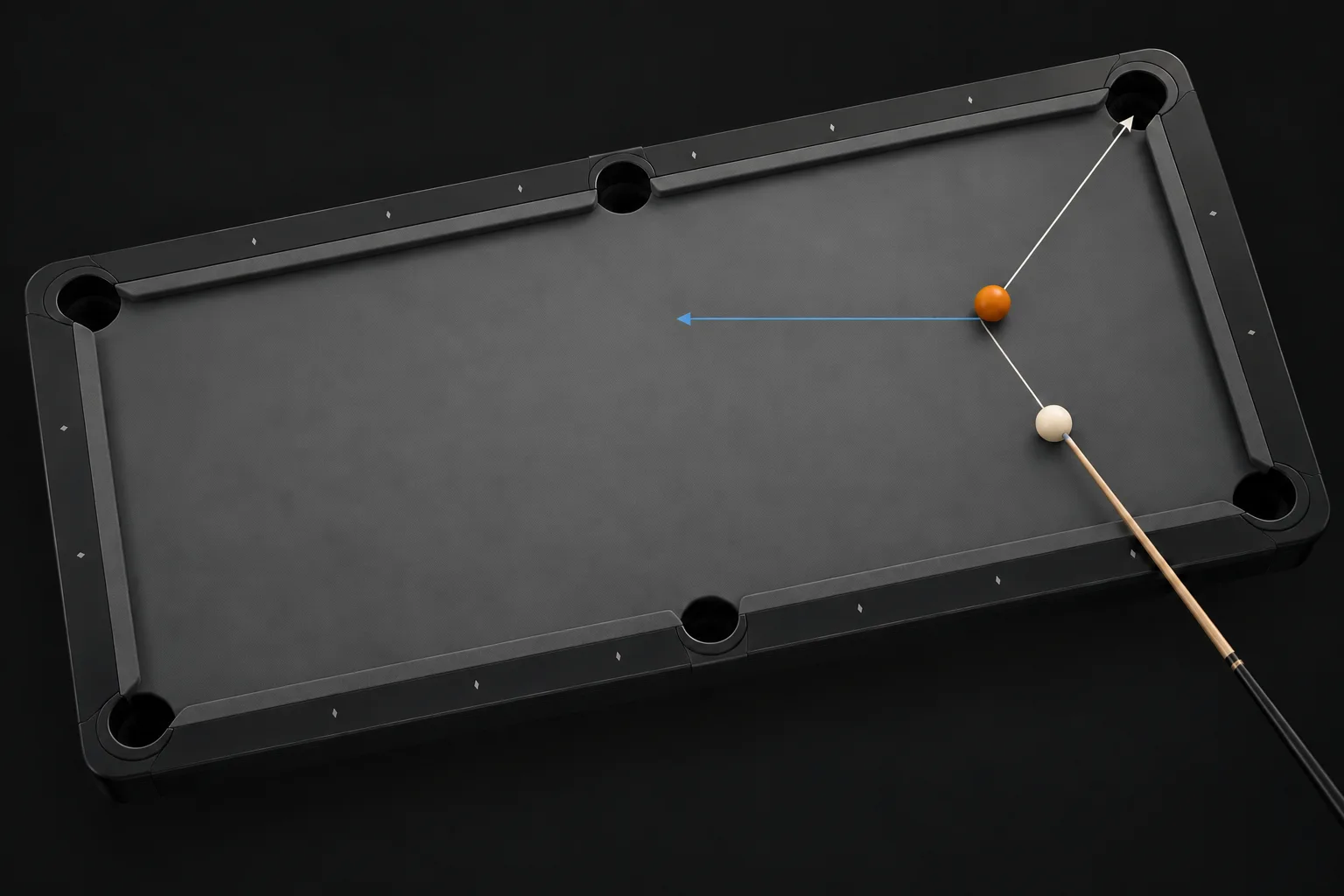
Aiming a cut shot on the practice grid with the tangent line and the object ball path into the corner pocket
Add a Ball picker in the shot designer with all fifteen solid and striped billiard balls
Fine-tuning cue tip position to add spin and steer the cue ball path along the rail
Tip position wheel adding spin so the cue ball rolls off the tangent line after pocketing a ball in the side pocket
Find a Shot mode: placing a target on the table so the app computes the best shot and cue ball path
Shot Editor settings for the table grid, ball paths, tangent line, Find a Shot precision, and max cut angle
Target Game win screen with a shareable shot card and Play Again button

Frequently Asked Questions

Is there an app to simulate pool shots?

Yes. Billiard Shot Studio is a pool shot simulator for iPhone and iPad. Set the cue ball, object balls, aim, speed, and tip position, then watch a physics-accurate animation of every ball path before you try the shot on a real table.

How do I learn to aim pool shots?

Billiard Shot Studio shows the exact contact point and cut angle for any shot and can display the tangent line, so you can see where the cue ball travels after contact. Recreating shots and watching the paths builds the same intuition as ghost-ball aiming drills.

Is Billiard Shot Studio free?

The app is free to download on the App Store. An optional Premium upgrade ($3.99/month, $29.99/year, or $79.99 lifetime) unlocks the full toolset.

What devices does Billiard Shot Studio support?

iPhone and iPad on iOS 17.2 or later, Apple silicon Macs on macOS 14.4 or later, and Apple Vision Pro on visionOS 1.1 or later.

Can I create and share my own pool shot diagrams?

Yes. The shot designer lets you place solids, stripes, and the 8-ball anywhere on the table, visualize the shape zone, and export any shot as an image to share with friends, students, or teammates.

Does it work for 8-ball, 9-ball, and 10-ball?

Yes. The simulator can generate random 8-ball, 9-ball, and 10-ball layouts, and you can build any layout by hand in the designer.

Can the app find the best shot for me?

Yes. In Find a Shot mode you place a target anywhere on the table and the app computes the best shot that pockets a ball and lands the cue ball on your target.

Master Every Shot Before You Break

Whether you are training for tournaments or mastering weekend games, Billiard Shot Studio keeps your practice sharp and strategic.

Download on the App Store